Recently updated on July 7th, 2026 at 01:00 pm
Law Enforcement can serve electronically
LegalAtoms allows law enforcement agencies, such as city police departments and sheriff’s offices, to deliver case documents electronically.
They can also receive digital acknowledgments from the respondent.
LegalAtoms - Electronic Servicing
This video explains how to get ready for a family law court hearing.
You will learn how to plan your trip to court, what to do before your court date, how to ask for help with accessibility needs, and what documents to bring with you to the hearing.
LegalAtoms helps law enforcement agencies serve documents online in a reliable and trackable way.
The platform can send documents by email, text message, WhatsApp, and social media. It can also help agencies see when documents were received and allow the other party to digitally sign and confirm receipt.
Serving documents by hand can take a lot of time and staff effort. It can also be hard to prove that the documents were received. LegalAtoms makes this process easier, faster, and more reliable while helping reduce costs.
How E-Servicing works

Get email and text message updates when the court sends a service request. You will also receive an electronic copy of the case documents.
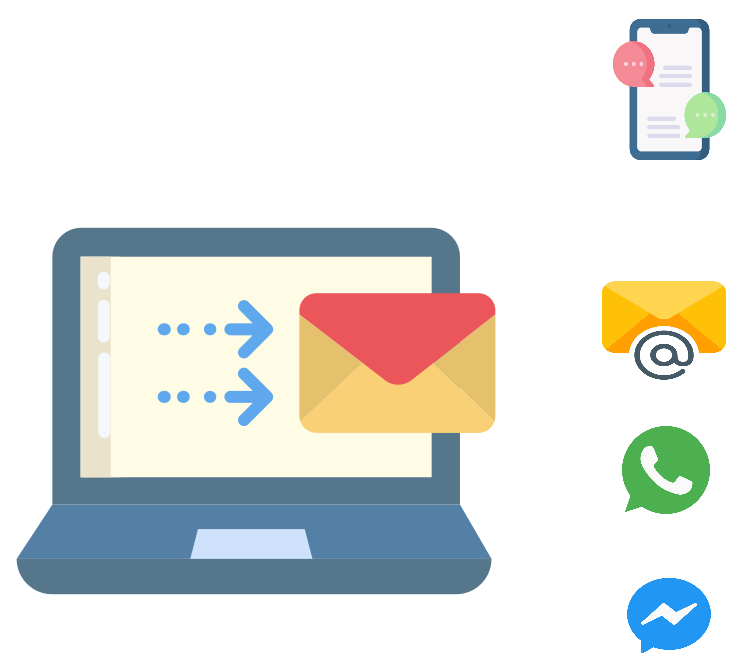
Serve documents online by email and social media. LegalAtoms also helps track read receipts and delivery details, so you have a record of service.
Some respondents may choose to confirm that they received the documents and sign online.
An officer can then file the Proof of Service with the court.
HOW U VISA CERTIFICATION WORKS
When a client chooses your agency, you will receive a notification by email and in the app. The notification gives your agency access to the client’s completed U Visa case documents.
Law enforcement agencies can view and download the case documents for their records. They can also print the documents if they need a handwritten signature, official stamp, or seal.
The you can attach a completed Supplement Form B
Many courts now allow people to file a Domestic Violence Protection Order online. LegalAtoms helps clients send the full set of completed documents electronically, either by email or through LegalAtoms.
Core Features



Related Modules
LegalAtoms provides these modules that serve additional roles (offices) in a court. These offer richer A-la carte functionality and separation, while keeping all parties on a single uniform platform for seamlessly moving data and moving to a paperless model.

Clerk
This page explains the Clerk module.
With this module, clerks can receive court packets, help clients, and send decisions back to them in a secure and easy way.
Clerks can also share a client’s case with other authorized people, such as judges, commissioners, advocates, or court facilitators.
Pro Se
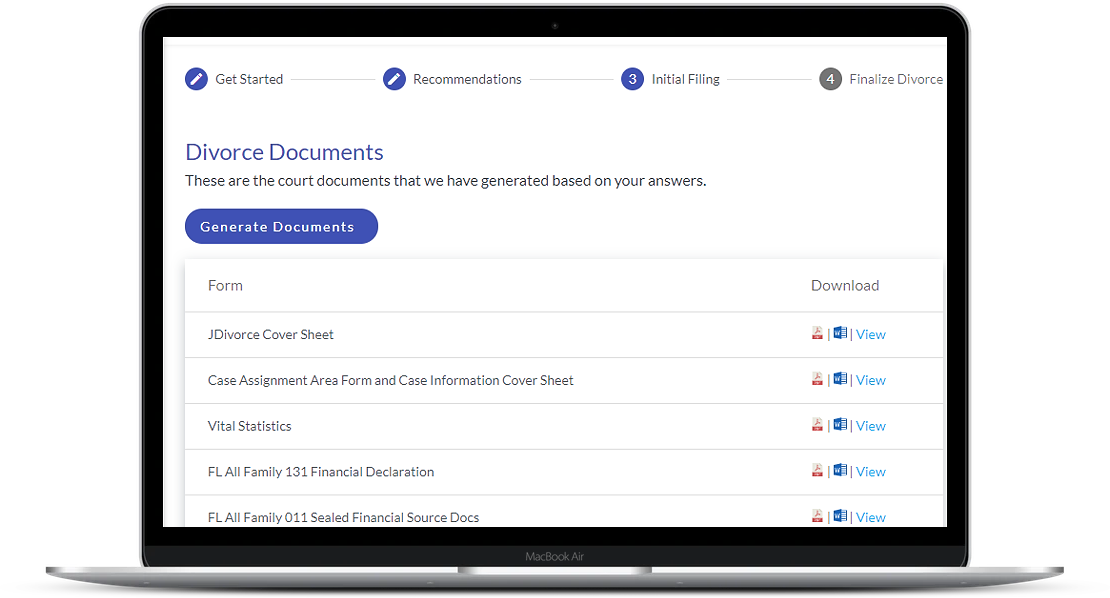
LegalAtoms gives the public a guided online experience to prepare and file court documents.
Features include:
Simple questions written in plain language
Correct court forms with required fields completed
Spanish language support
Downloads in Word or PDF
E-filing
Easy online case sharing
Adovcate
Clients can learn about court facilitators and advocates, including what services they offer and whether the client may qualify for help.
Clients can also share their case information and communicate securely through built-in chat, voice calls, and video calls. This helps protect privacy and allows clients to get support without needing to meet in person.
Prosecutor
Prosecutor’s offices can use LegalAtoms to manage case information, prepare filings, and control staff access.
Features include:
A smart database for defendant and victim information
Natural language search to help staff find case details more easily
Charge creation and filing
Motion creation with case information filled in automatically
Different user accounts with different permission levels for staff in the Prosecutor’s Office

Judge
LegalAtoms gives judges a secure online way to review cases, make updates, and issue court orders.

Law Enforcement
Save commonly used responses as templates.
You can create as many templates as you need and use them as a starting point for future responses.

Legal Clinics
LegalAtoms helps academic institutions set up legal clinics in partnership with court staff.
These clinics can help students gain practical experience while giving the public more access to legal information and court support.

Non profits
Nonprofits can create accounts to help clients with protection order cases, such as domestic violence protection orders.
Staff can review client questionnaires, view court forms, and communicate with clients through secure chat or video calls.
Clients do not need to install any software.
What's in a Packet Example: DVPO
We work with your county to determine the exact set of forms and ensure our software populates them to your requirements