How to Remove a Case from the Clerk Dashboard
This guide explains how clerks can remove cases from their dashboard in LegalAtoms, where the delete option is available, and what impact this action has on case visibility, client access, and other connected professionals.
This is a dashboard-level action only and does not remove the case from the LegalAtoms system.
Where the Delete Action Is Available
Clerks can delete a case from the following locations:
-
Main (Active) Dashboard
-
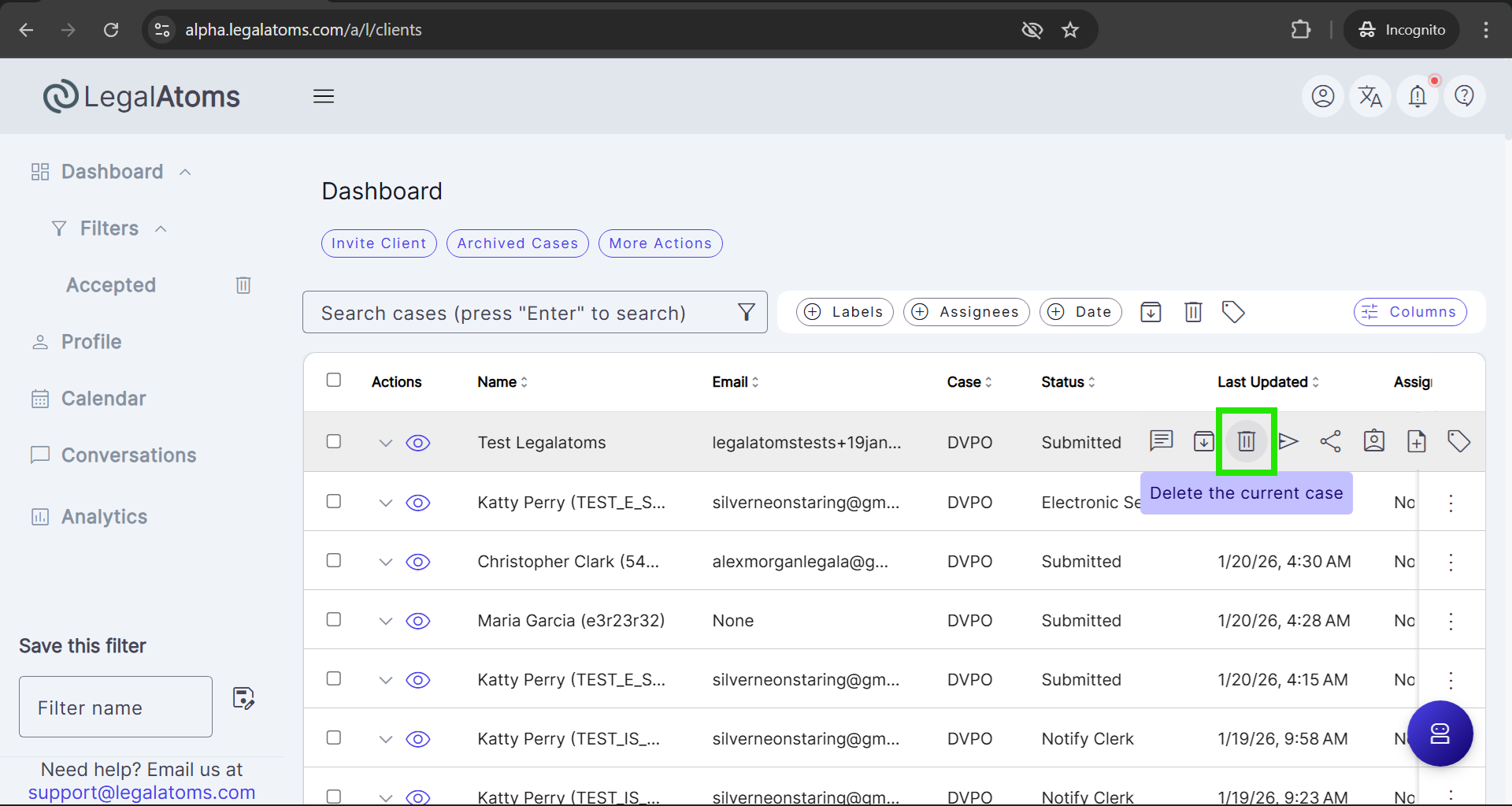
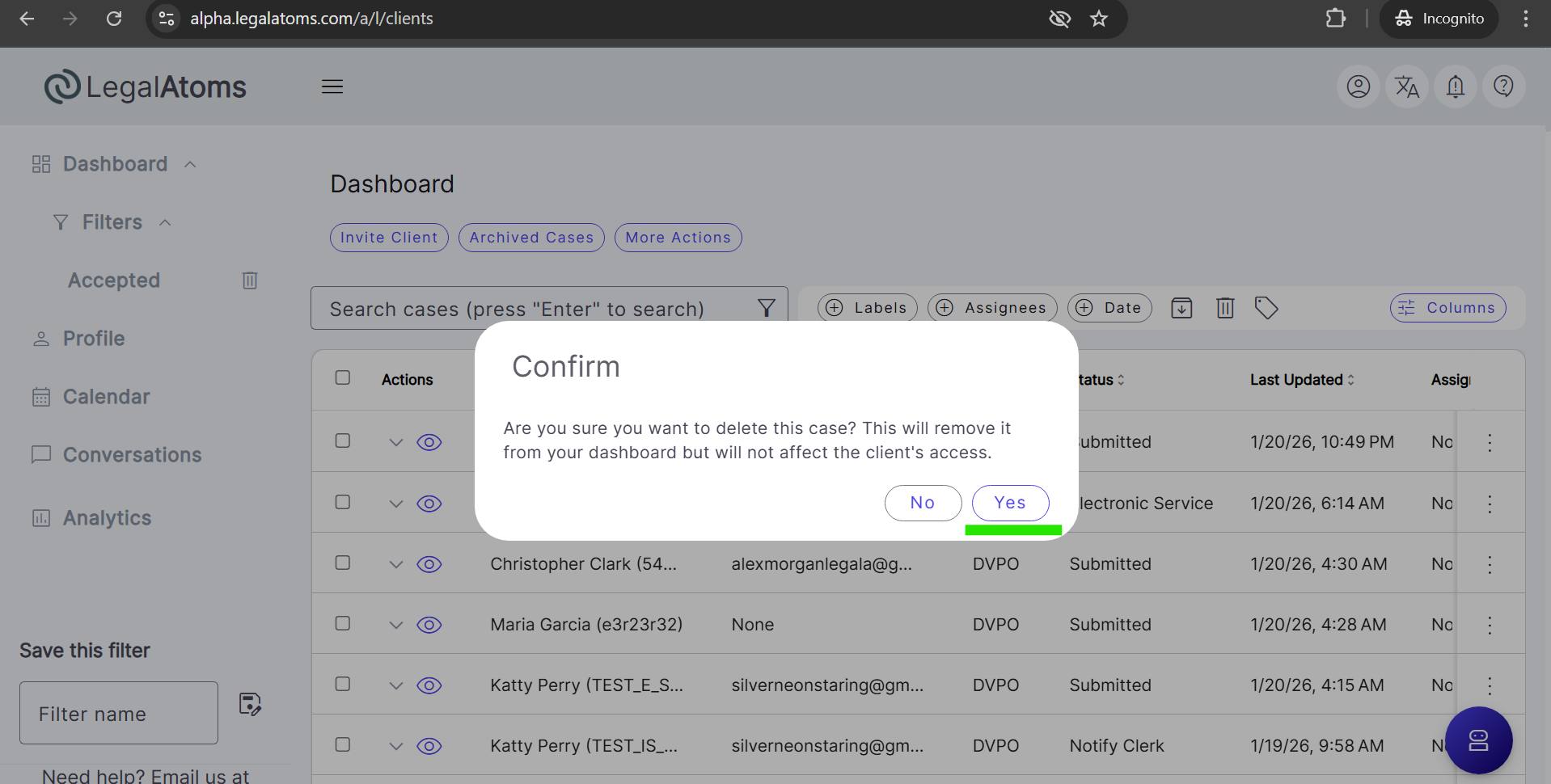
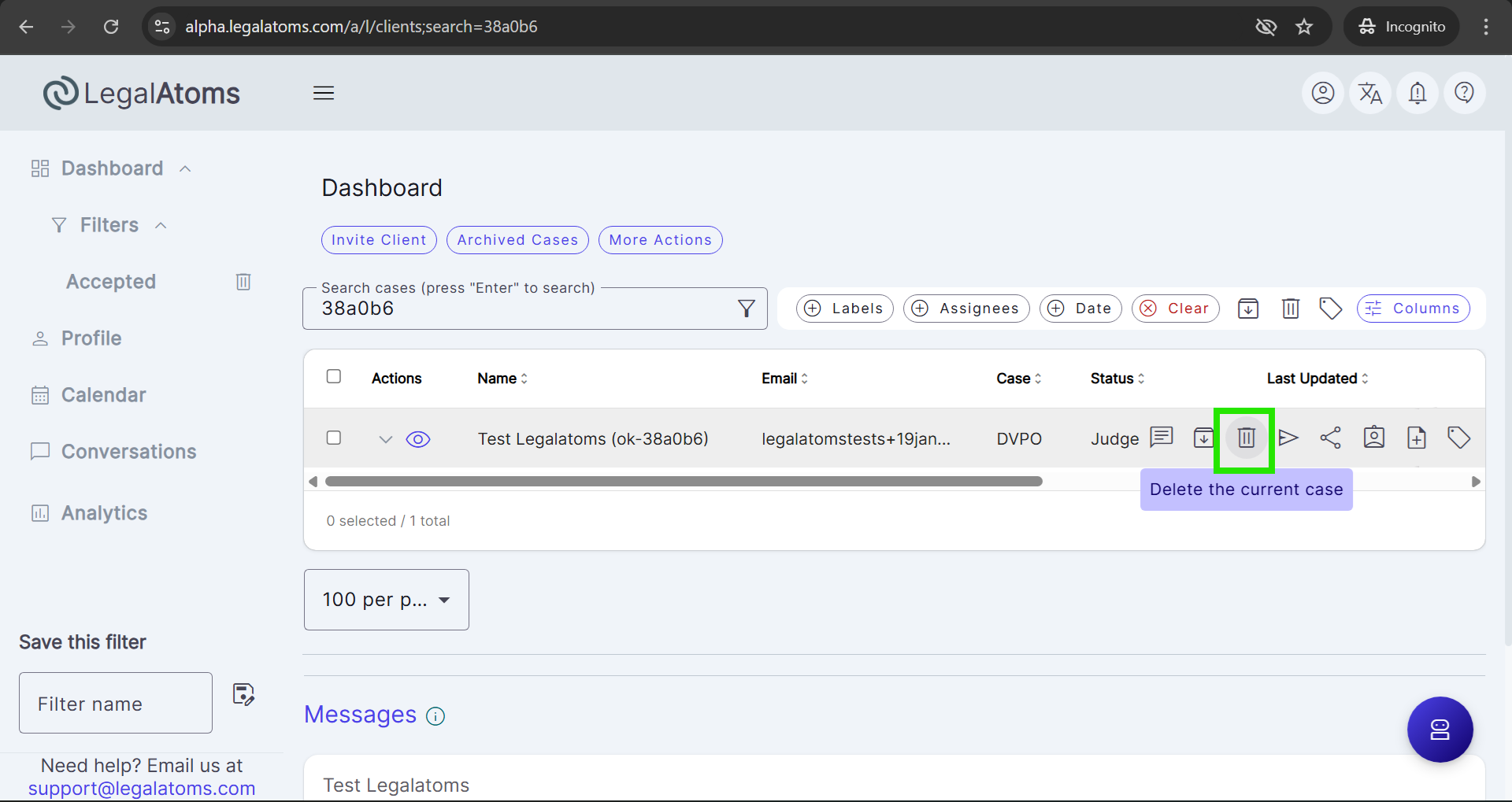
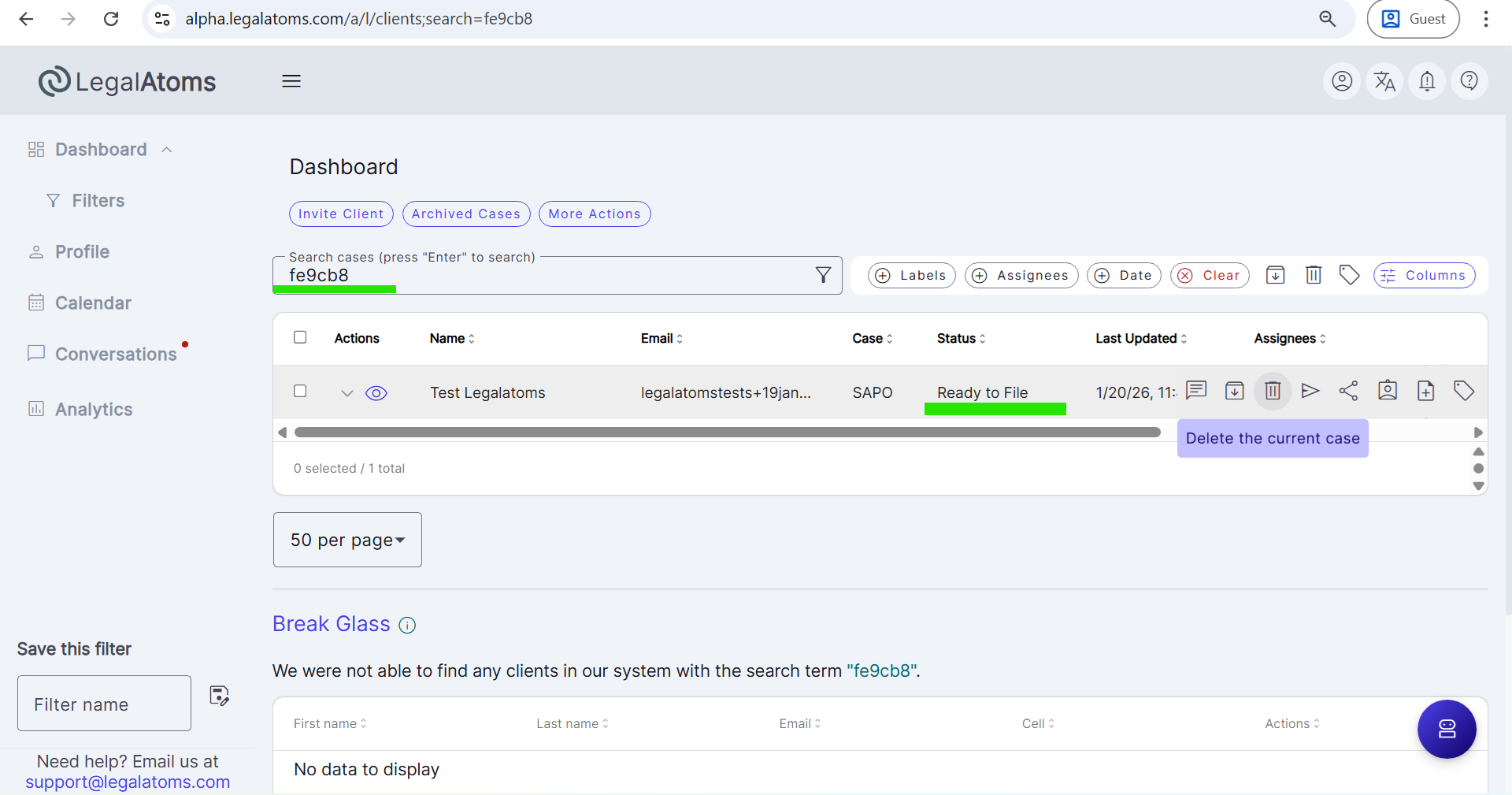
Delete option is available from the case action menu (on row hover)
-
-
Archived Cases View
-
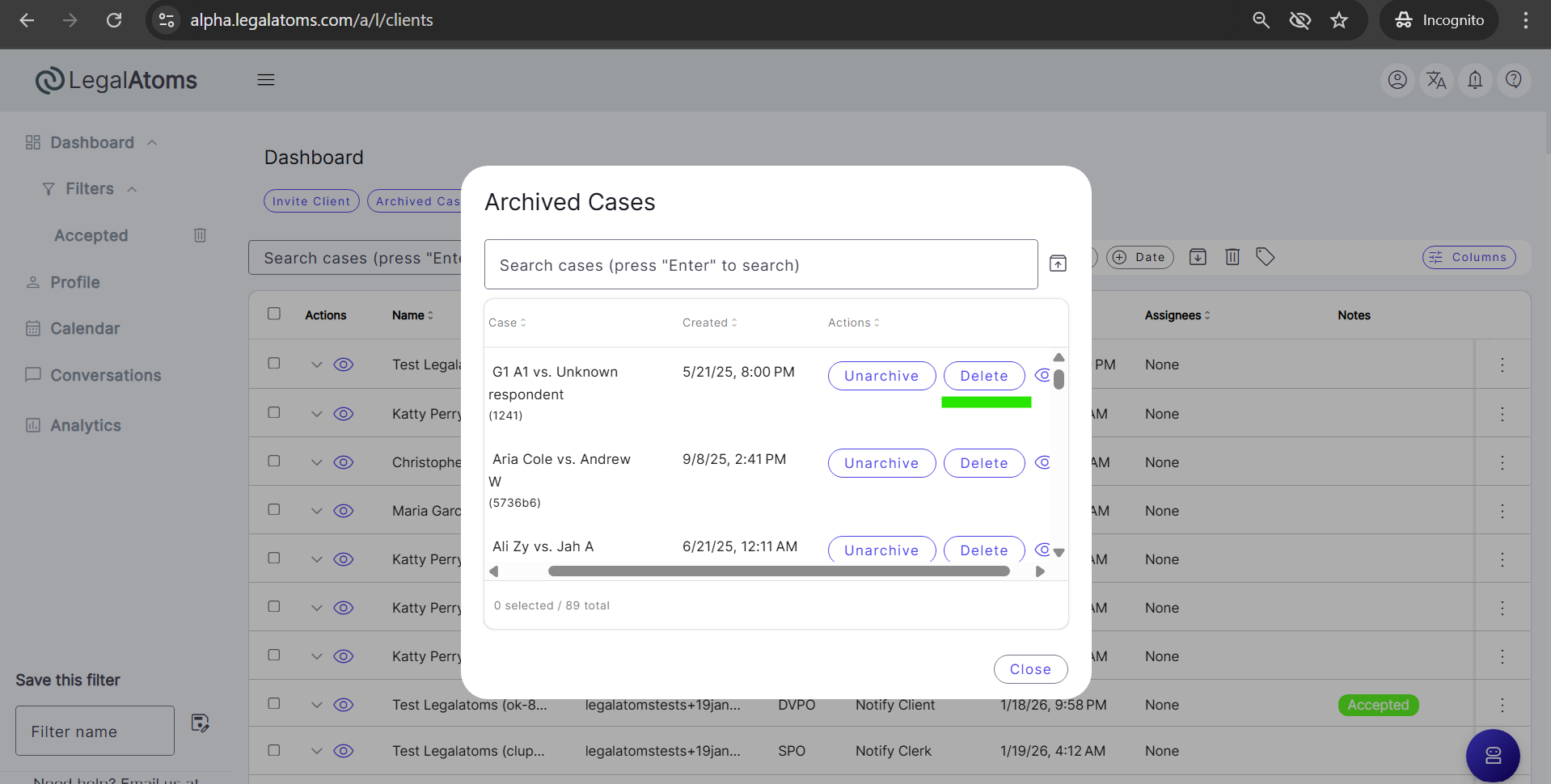
Delete option is available from the archive modal
-
-
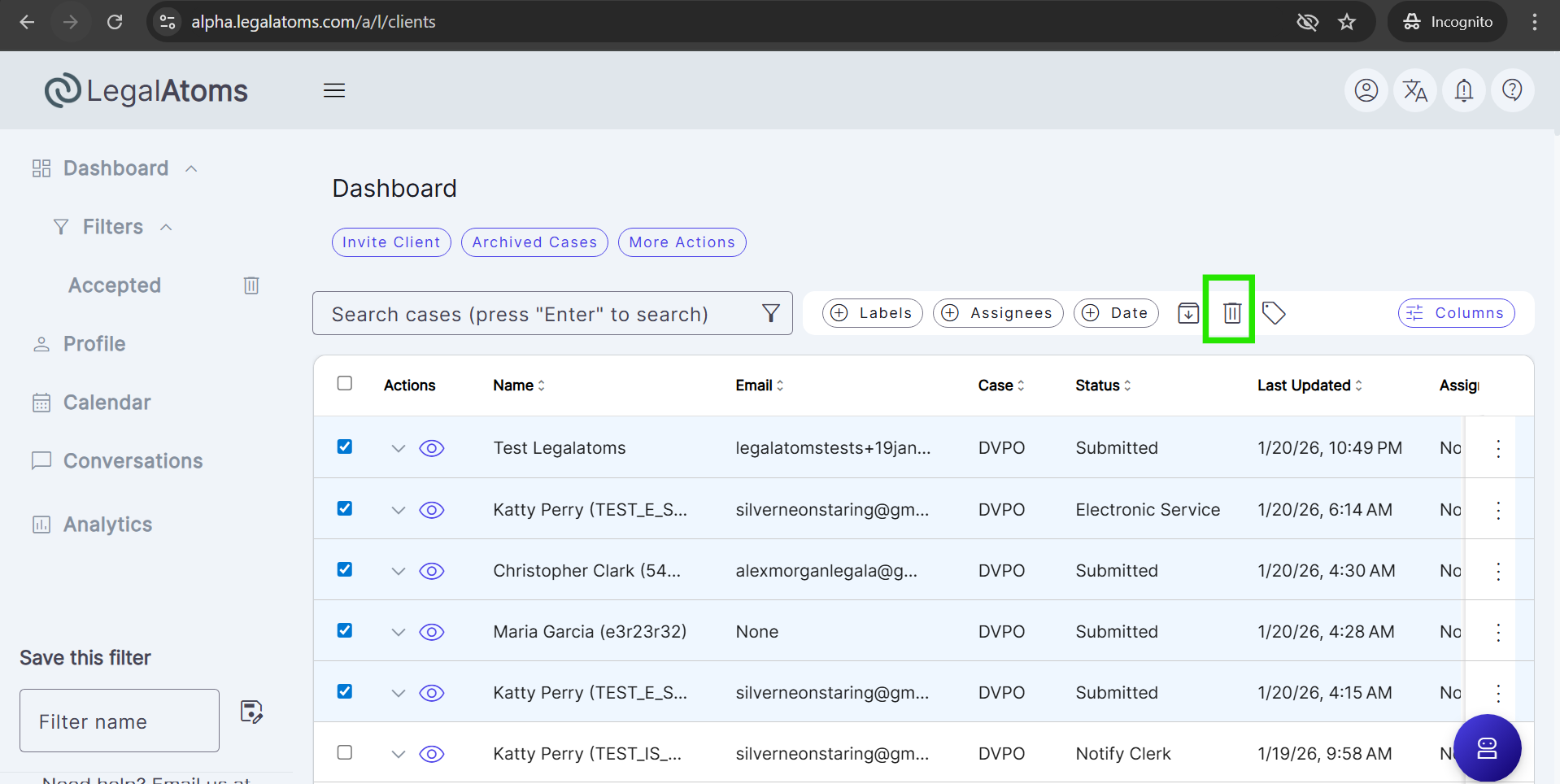
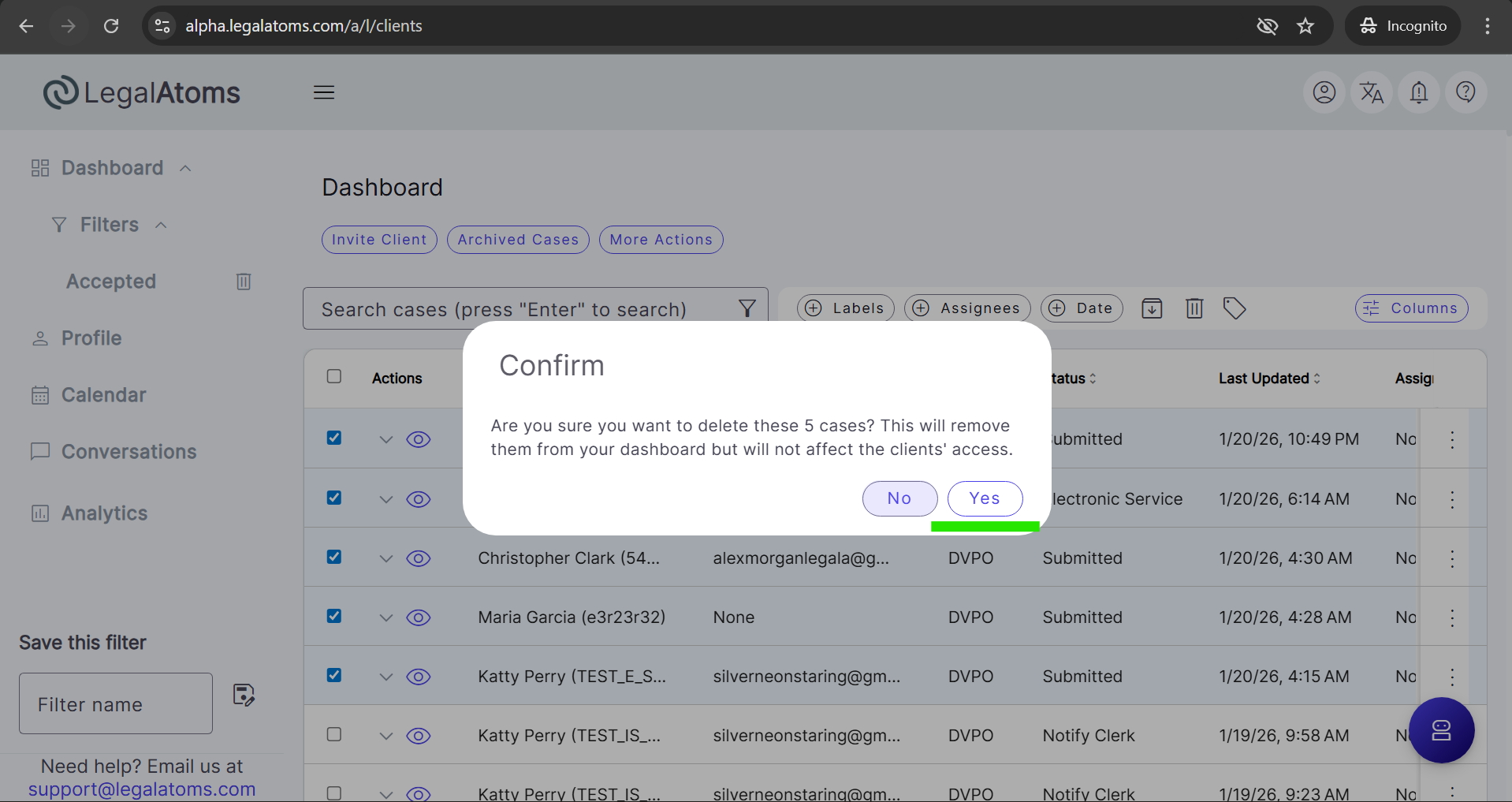
Bulk Actions
- Clerks can select multiple cases and delete them using bulk actions
What Does “Delete” Mean?
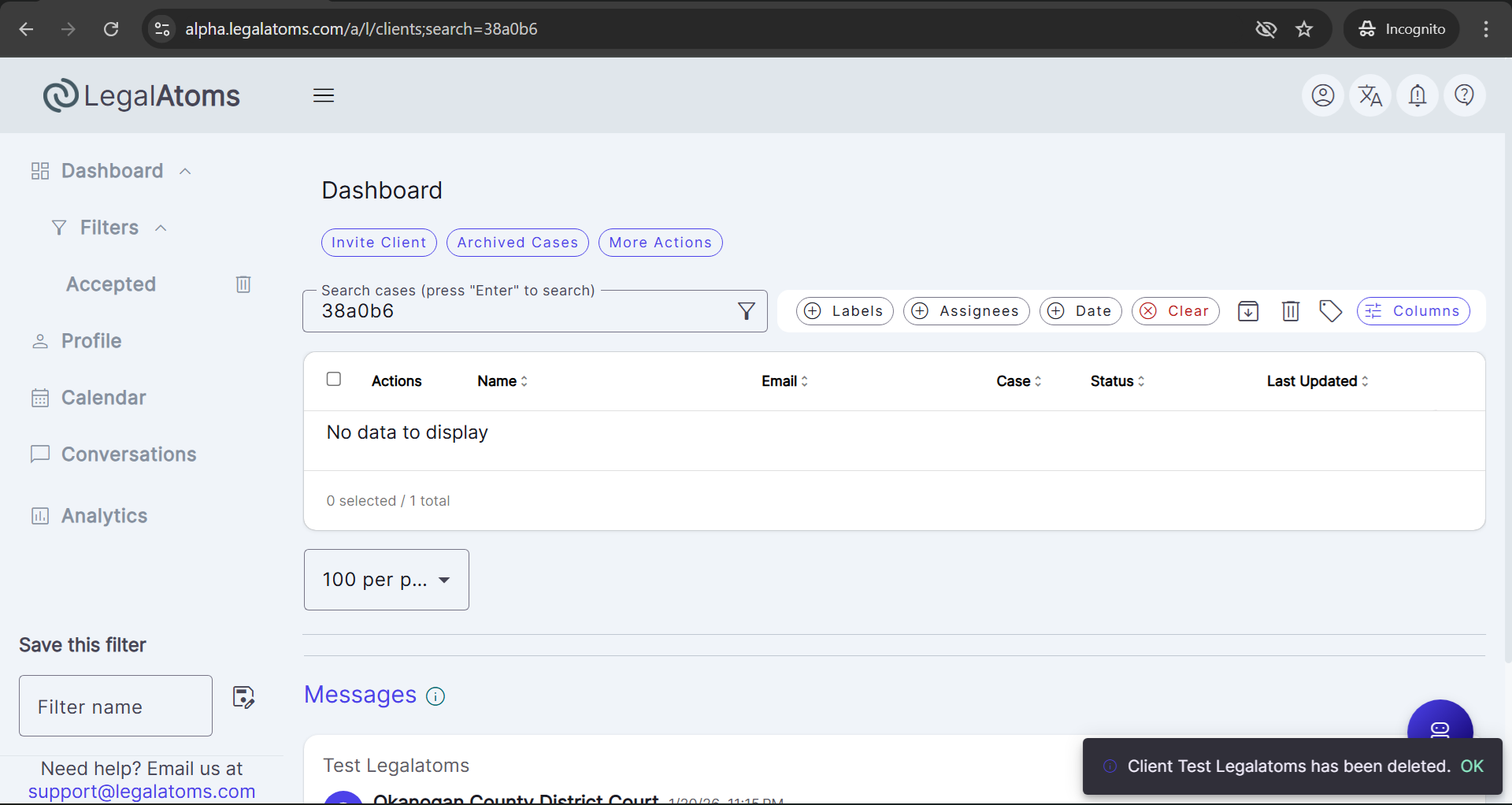
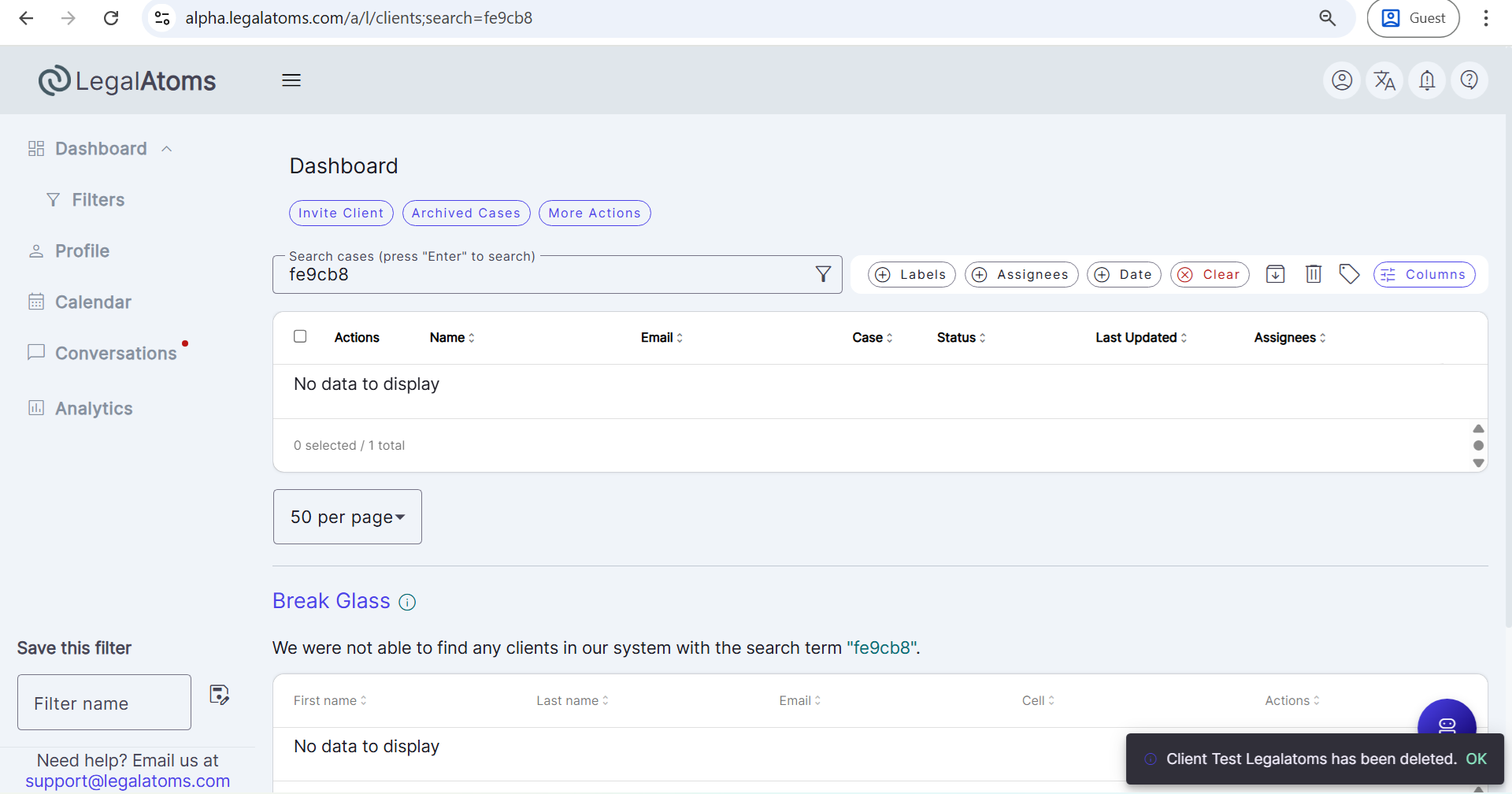
Deleting a case only removes the case from the clerk’s dashboard.
-
The case is not purged from the LegalAtoms system
-
The case remains accessible to:
-
The client
-
Other clerks, sheriffs, or professionals who still have access
-
-
Case data, filings, and history remain unchanged
Deleting a case is intended to help clerks manage dashboard visibility, not to permanently remove case records.
Impact on Client Access
-
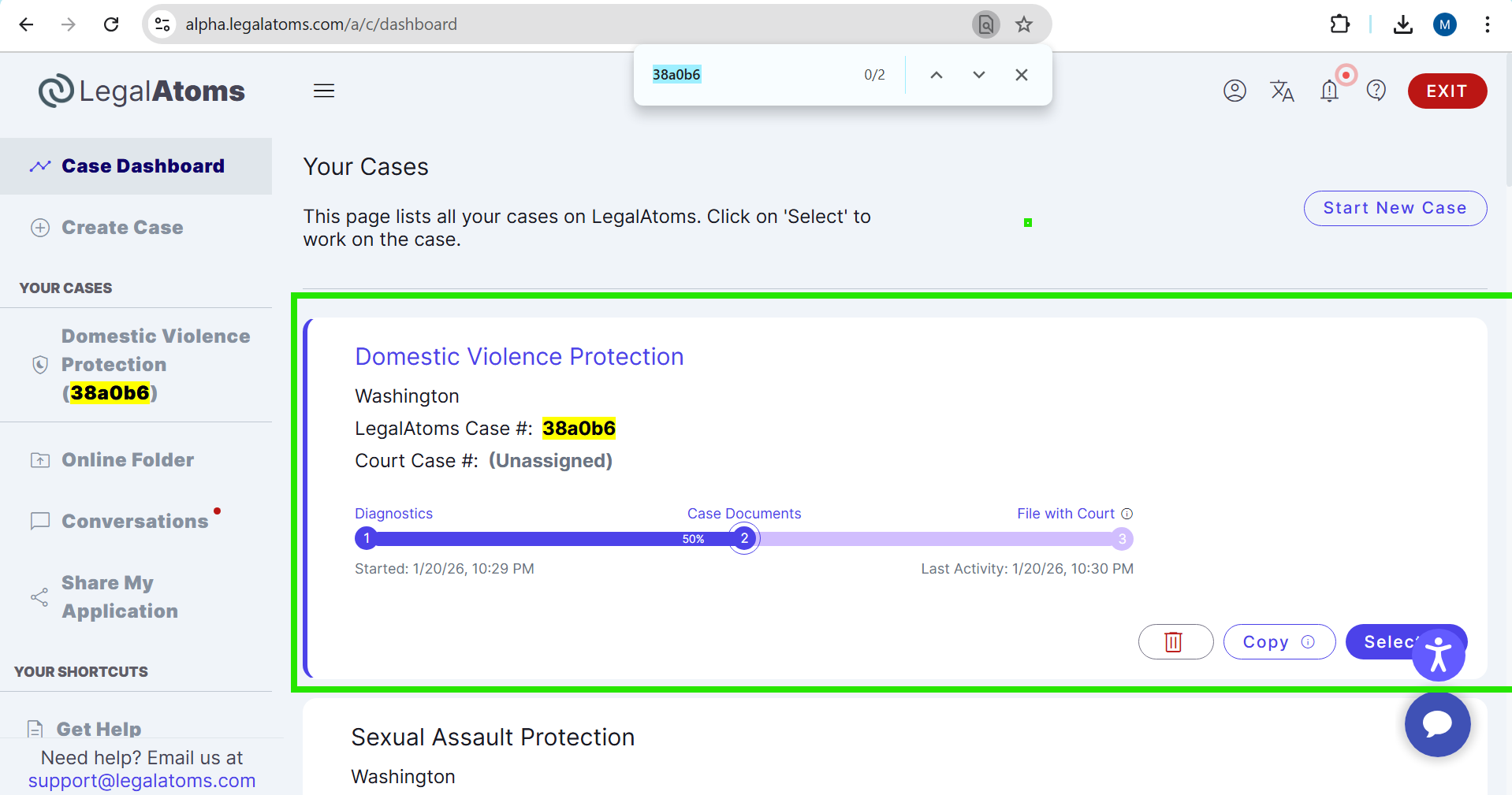
Deleting a case from the clerk dashboard does not remove the case from the client’s dashboard
-
The client can continue to:
-
View the case
-
Complete the required steps
-
E-file the case (if not already filed)
-
Impact on Other Professionals
-
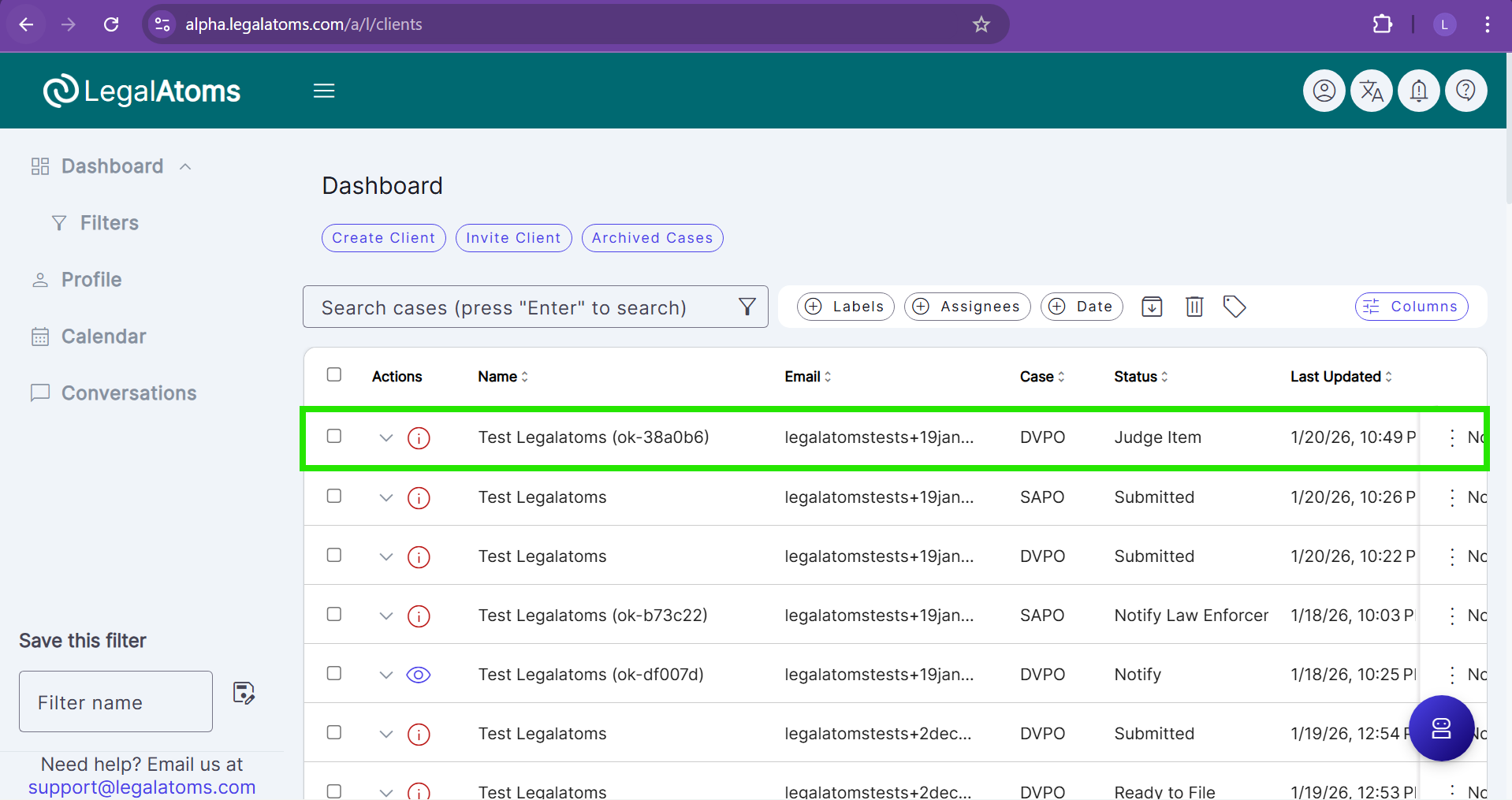
If a case is shared with another clerk, sheriff, or Legal intern:
-
Deleting the case removes it only from the deleting clerk’s dashboard
-
The case remains visible and accessible to other connected users
-
-
The case may still appear in:
-
Other professionals’ dashboards
- Case detail page dropdowns for other users
-
Break-Glass Access Behavior
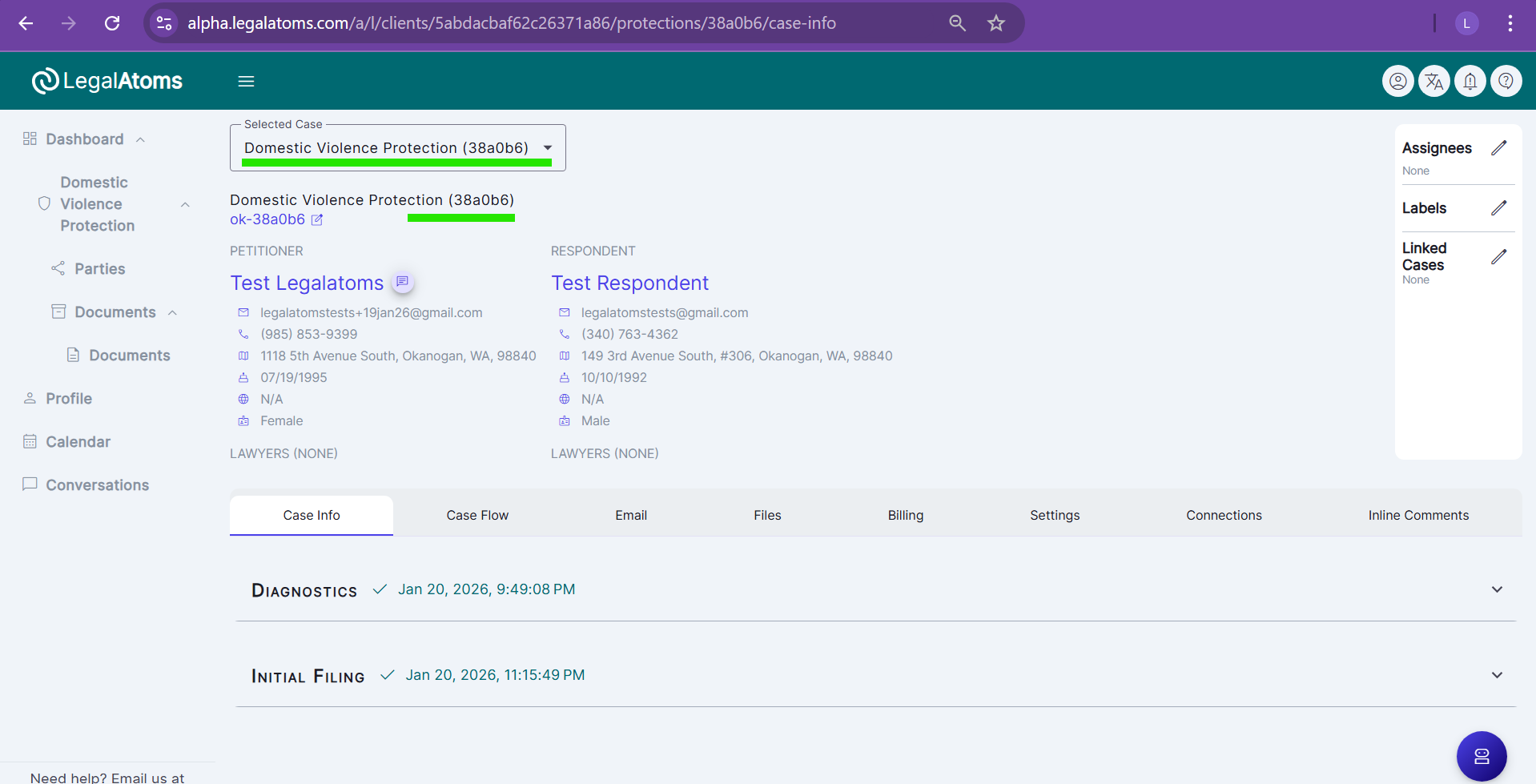
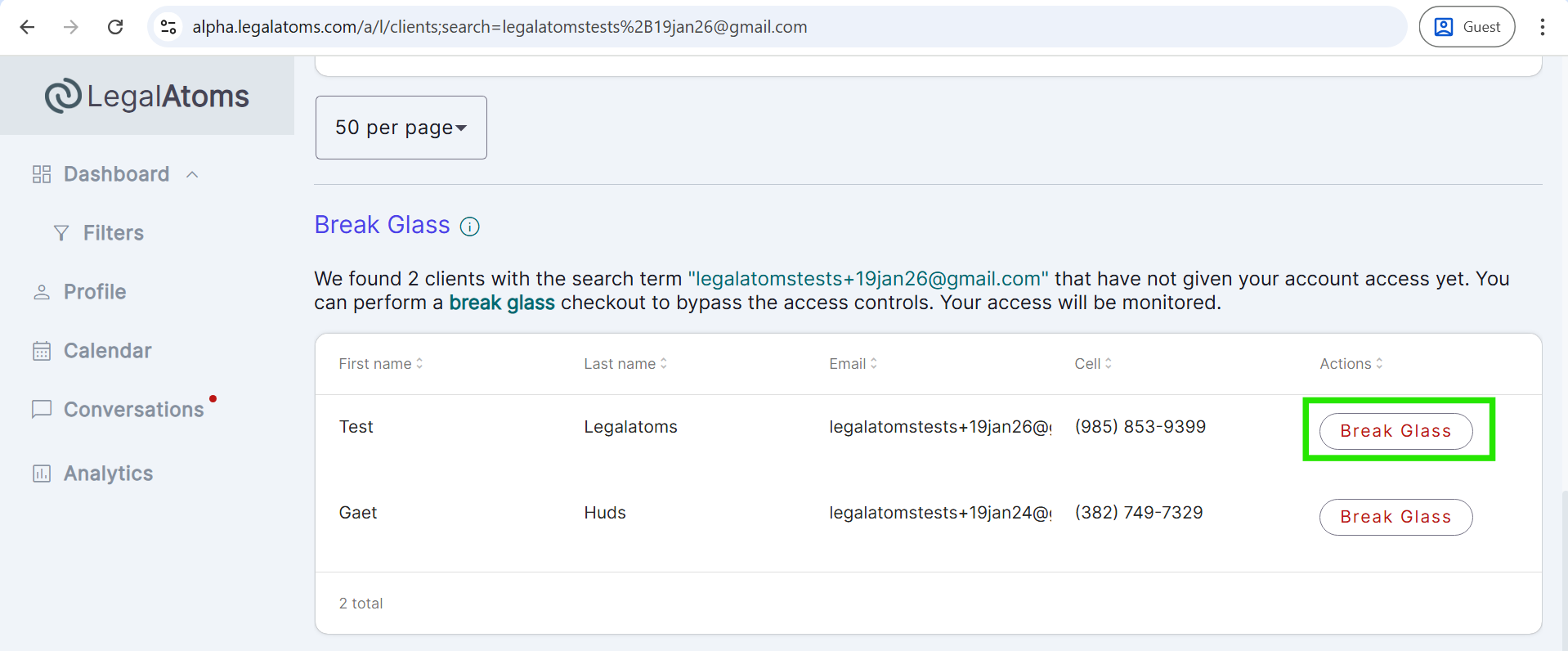
When a clerk accesses cases using the break-glass feature:
-
All client cases may temporarily appear on the clerk’s dashboard
-
If the clerk deletes a case accessed via break-glass:
-
The case is removed only from that clerk’s dashboard
-
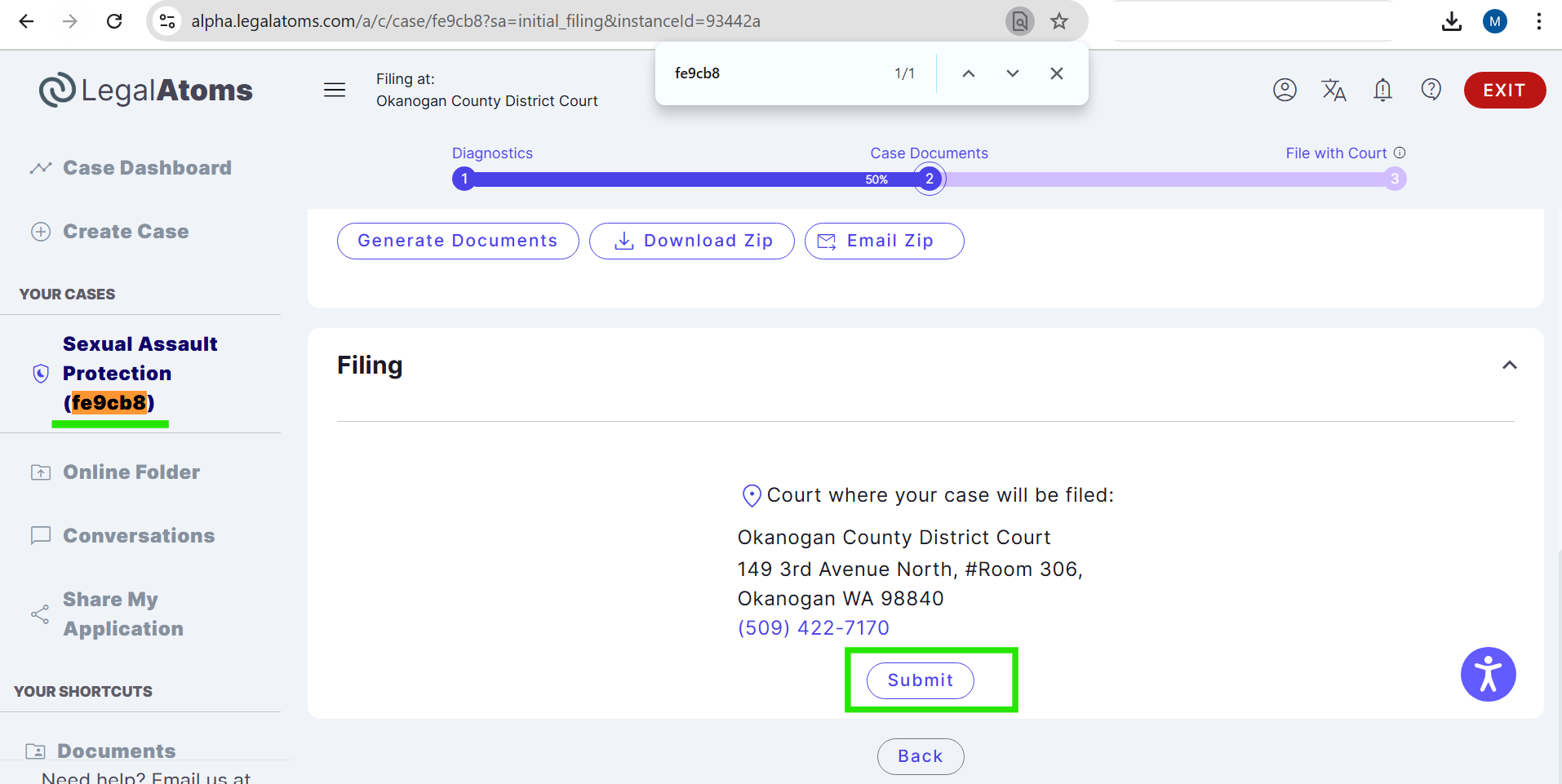
The client can still e-file the case, even if it has not been filed yet
-
Other clerks or professionals are not affected
-
Break-glass access does not block, restrict, or alter the client’s ability to proceed with the case.
Notifications and Communication
-
Deleting a case from the clerk dashboard:
-
Does not send an email
-
Does not trigger an in-app notification
-
- This behavior is intentional, as the action only affects the clerk’s personal dashboard view
Conversations and Messaging
-
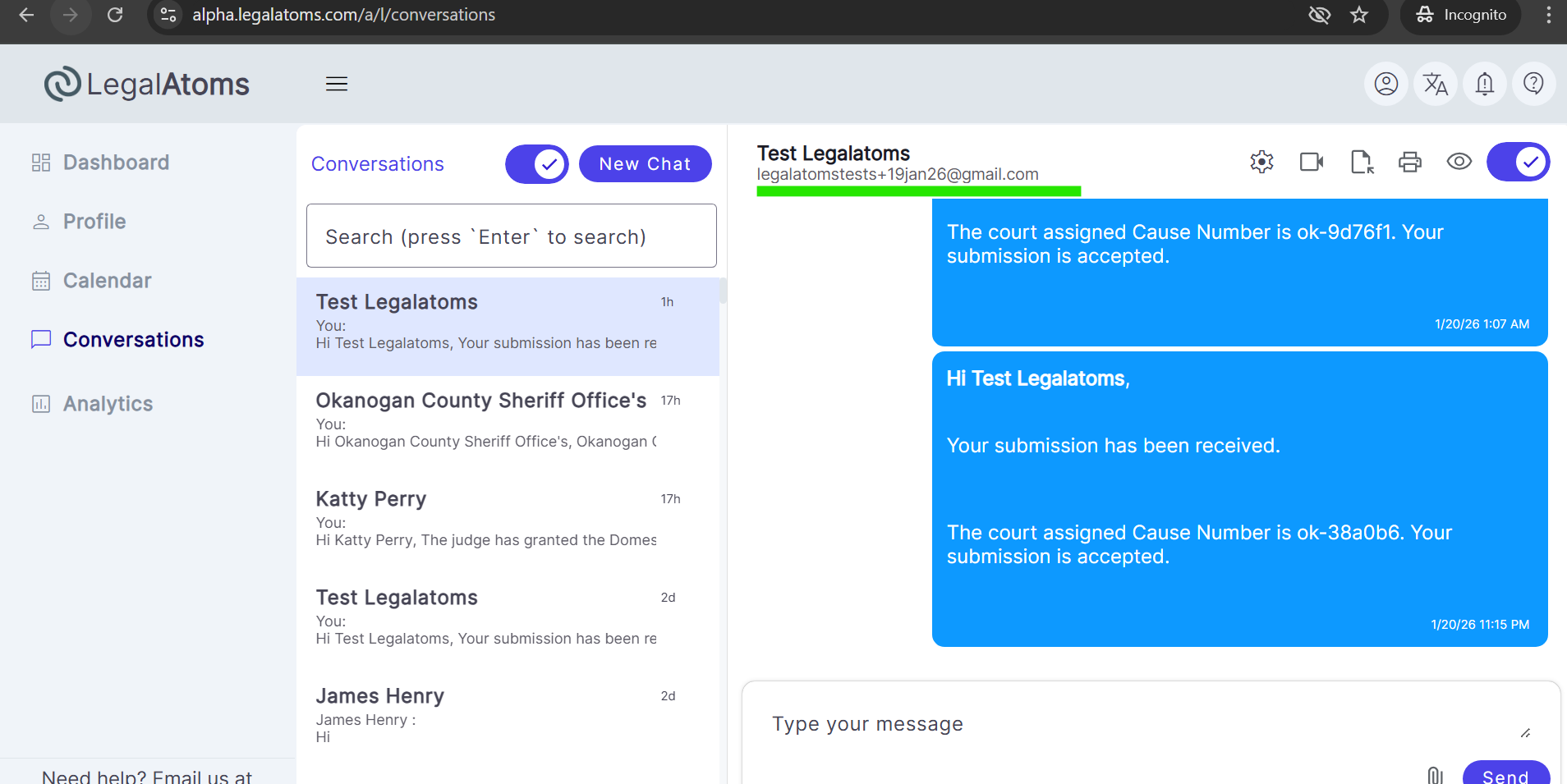
Deleting a case from the clerk dashboard does not affect communication with the client
-
The clerk can still:
-
Send messages to the client via the existing conversation thread
-
View all previous chat history related to the case
-
-
No conversation history or past messages are deleted when a case is removed from the dashboard
-
This ensures continuity of communication even after the case is removed from the clerk’s dashboard view