How do I change password?
Updated
Recently updated on July 11th, 2026 at 09:42 pm
You can change your password by following these steps.
Step 1: Clicking on the profile icon near the top
Step 2: Clicking on Settings
Step 3: Click on Reset Password

Step 4: Enter your login e-mail

Step 5: Check your email and click on the link

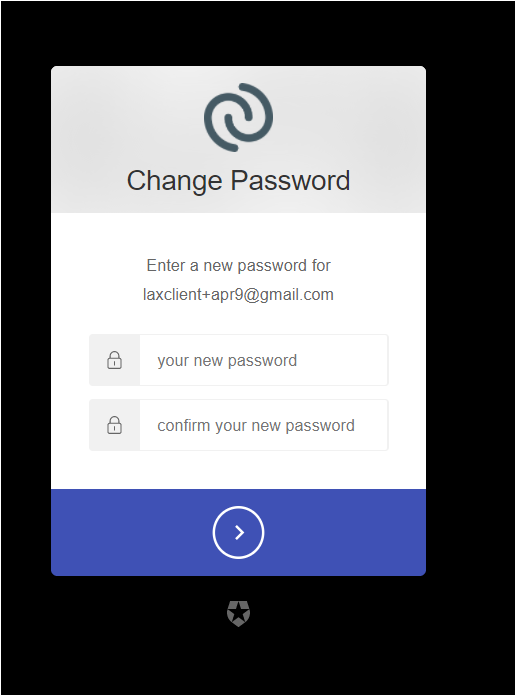
Step 6: Now you can set a new password