How Law Enforcement Can Electronically Serve
Updated
Recently updated on July 11th, 2026 at 09:42 pm
This page describes how Law Enforcement can receive documents via LegalAtoms and then service the client offline, and then complete the Proof of Service digitally using LegalAtoms
Step 1: Login to LegalAtoms
Navigate to https://app.legalatoms.com/
You will see the login screen where you can enter your credentials and hit login.

Step 2: E-Serve a specific Case
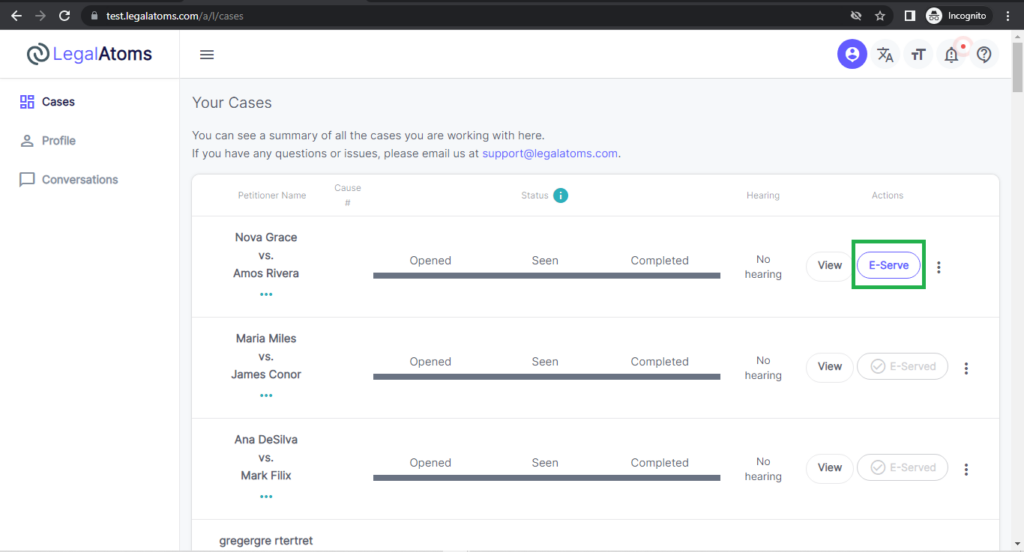
On the main page, titled “Your Cases”, locate the specific case you want to serve and click the E-Serve button
Step 3: E-Servicing Popup
Once you click on the E-Serve button, a popup is shown.
- Enter the service time
- Select the respondent served via, options being
- Text
- Enter Facebook profile link
- Enter Twitter profile link
- Enter Whatsapp number
- Click on the Send button
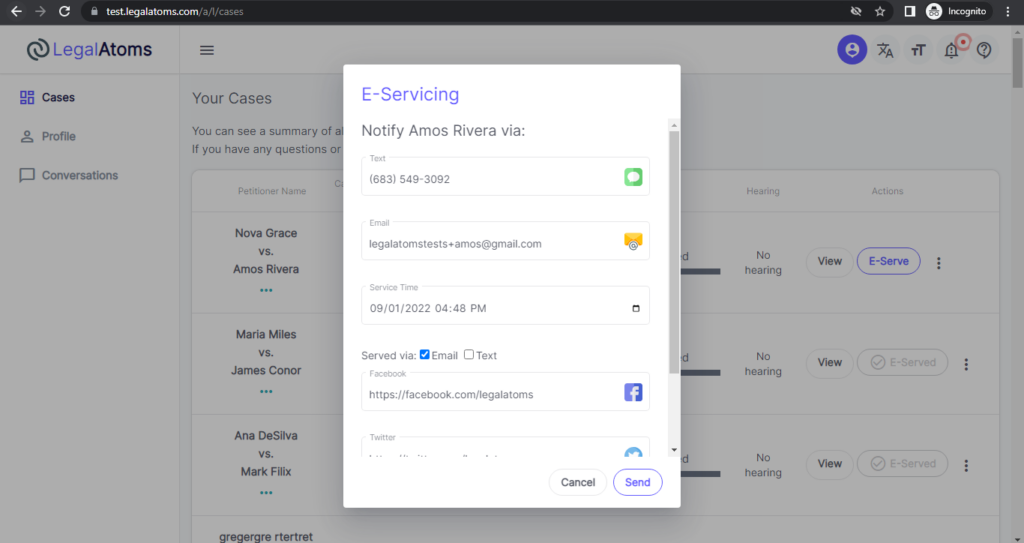
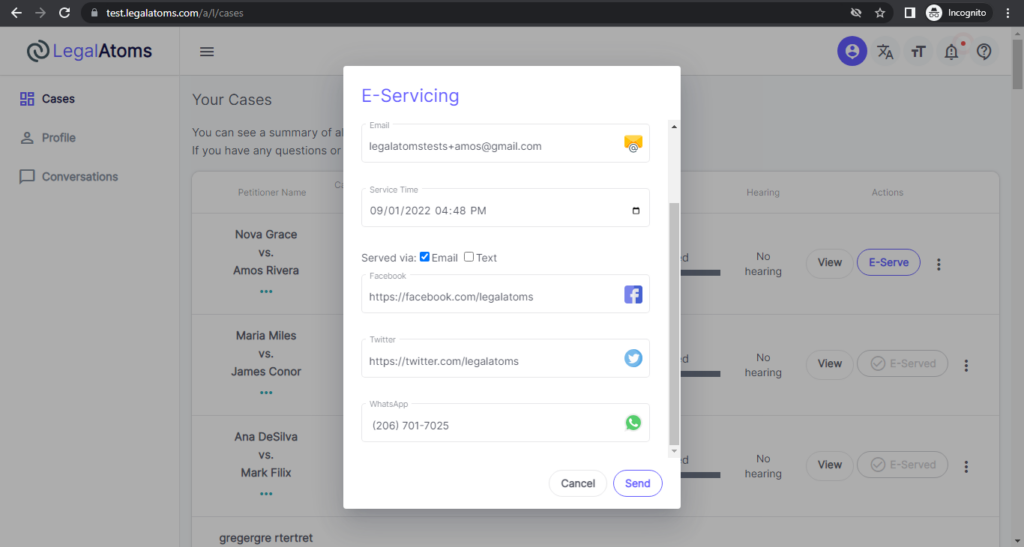
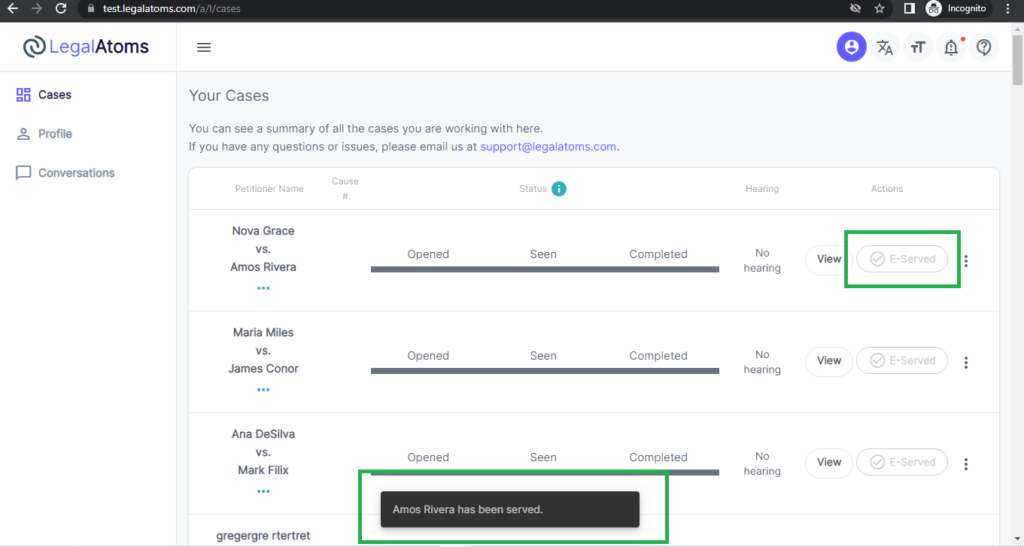
Once you’re served, the message is shown at the end of the bottom screen.
Step 4: Simply Complete the Proof of Service
After completing the E-Service, officers simply need to complete the proof of service.
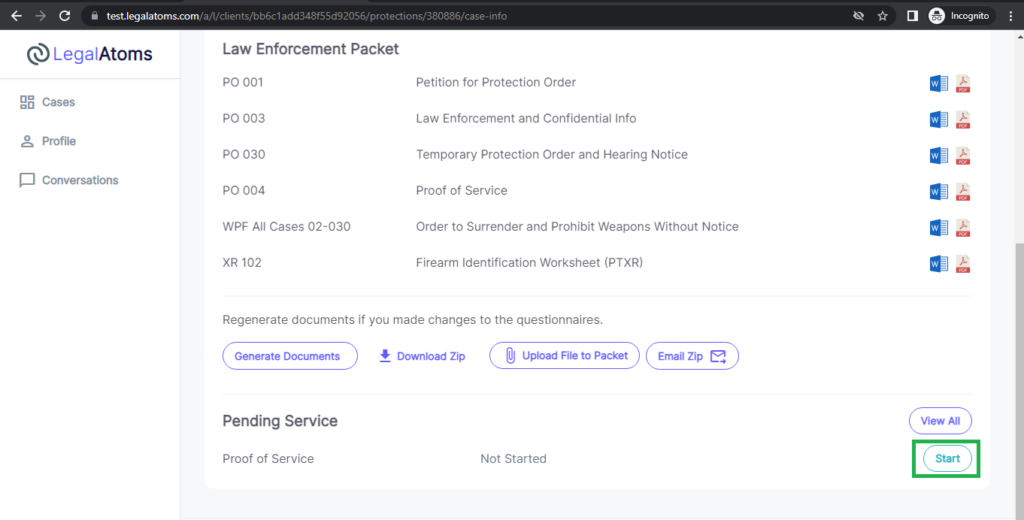
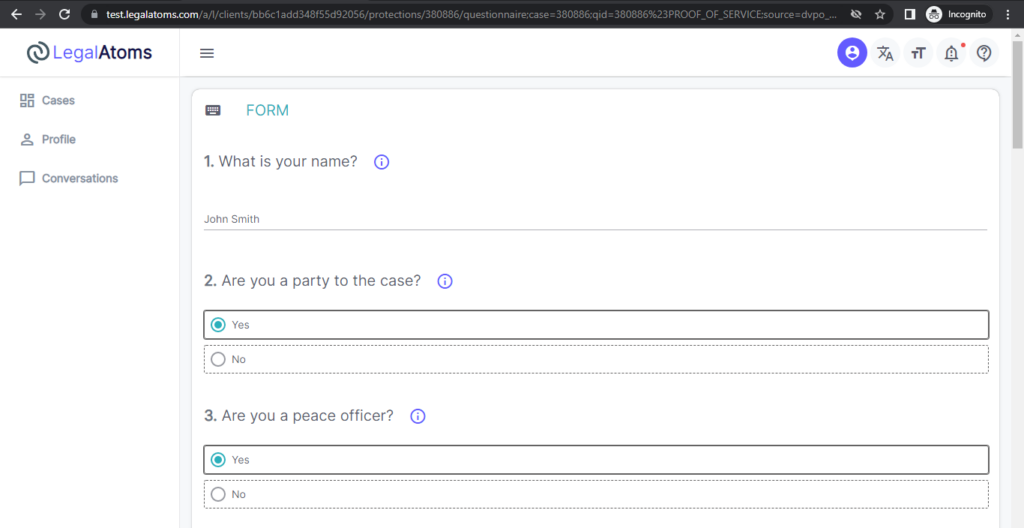
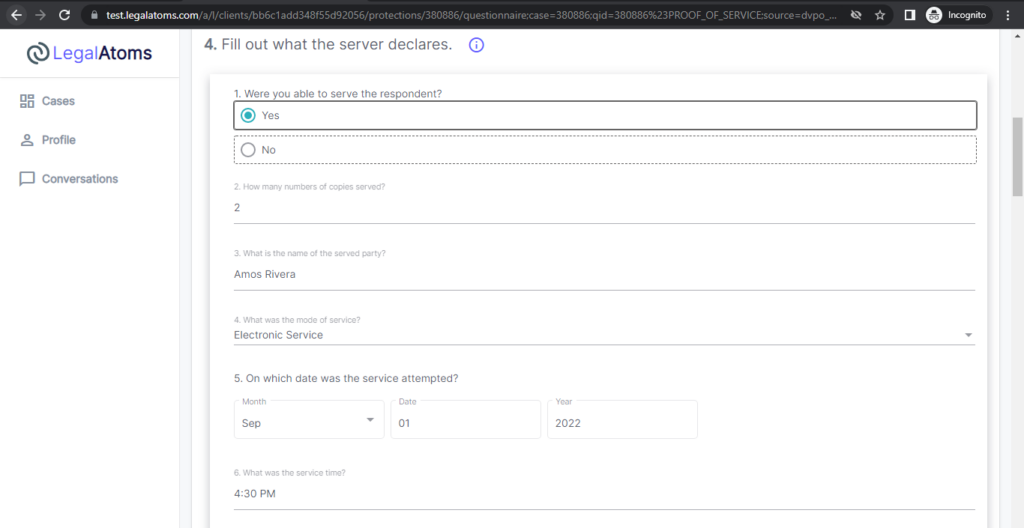
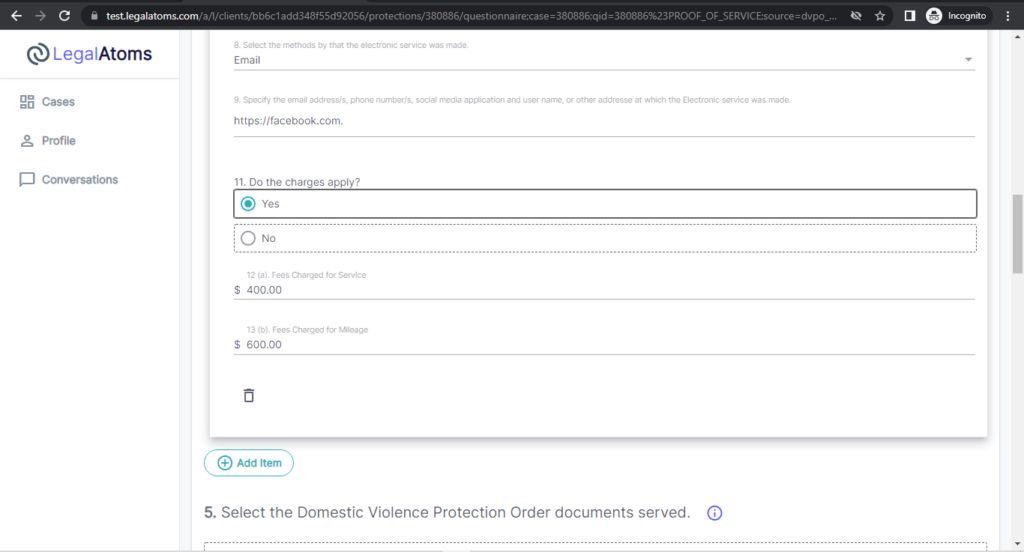
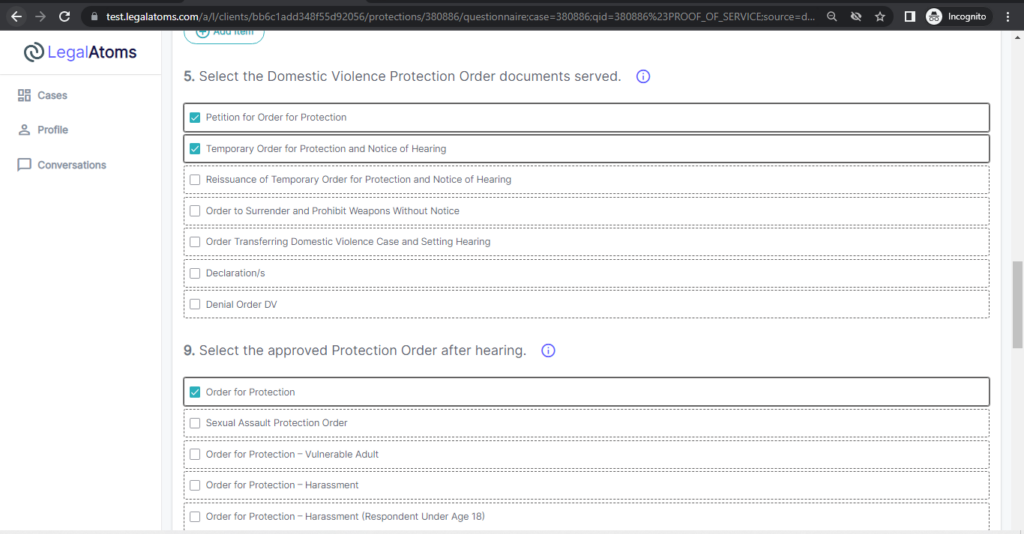
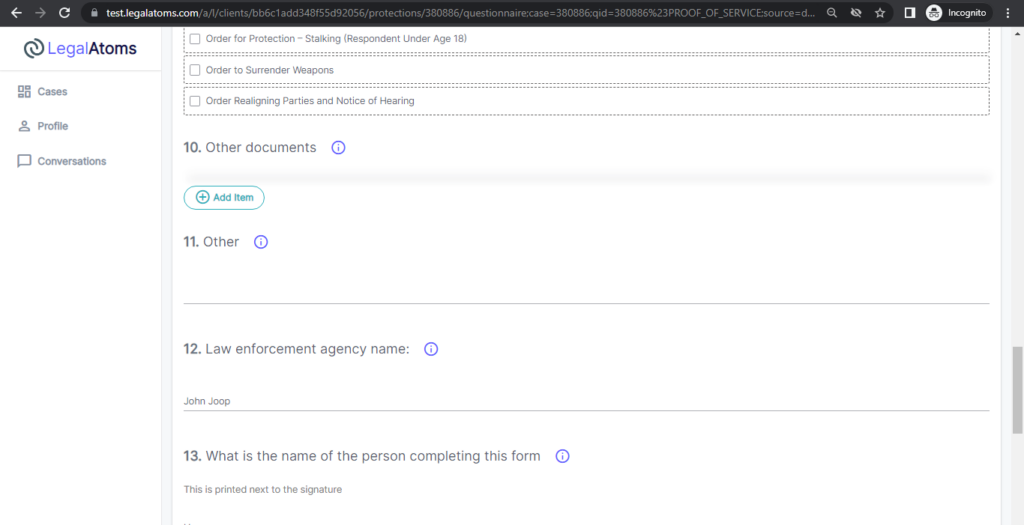
Click on the Start button, you will be led to a new screen which will be a questionnaire having the same pieces of information that are on the paper version of a Proof of Service form.
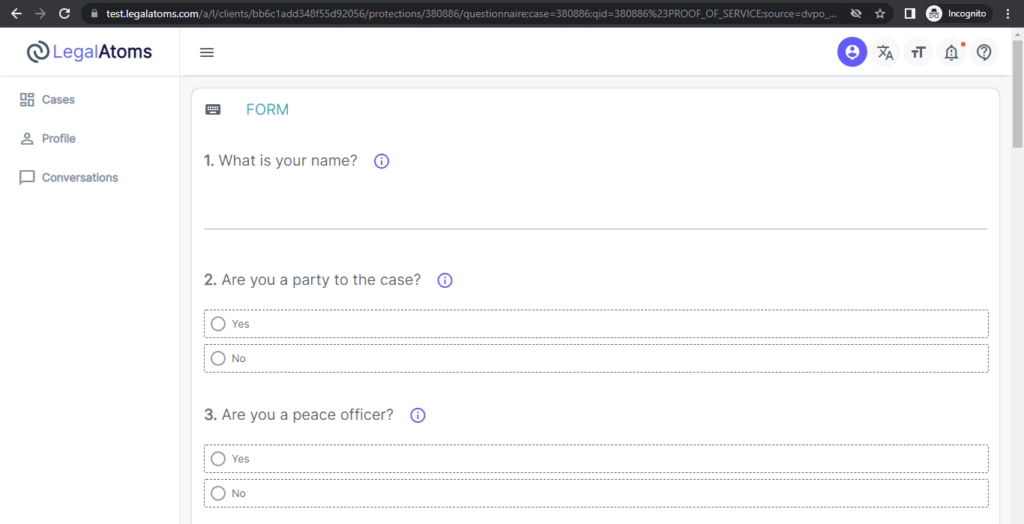
Step 5: Complete the questionnaires
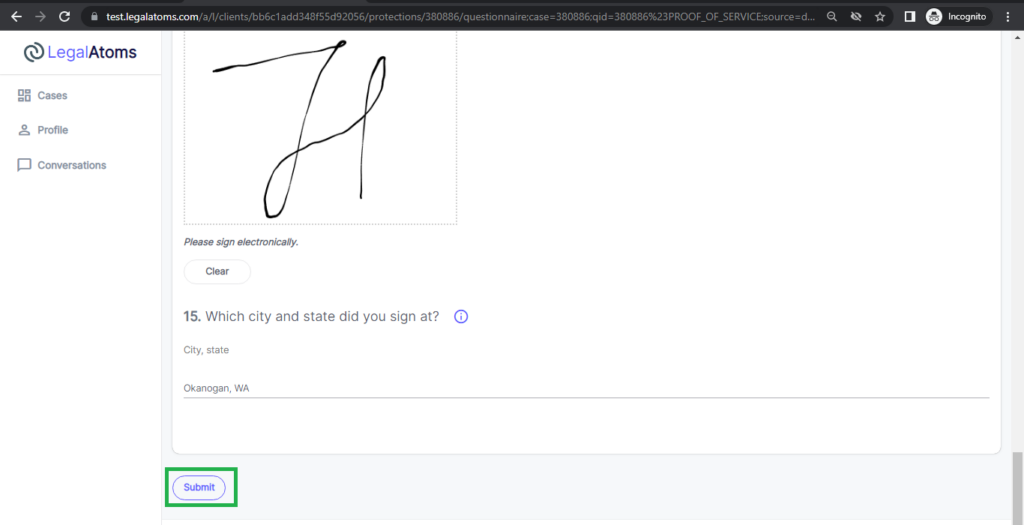
Complete all the questionnaires and click on submit button.
At this point, the court is notified and will have access to the Proof of Service.